File Excel payroll according to the product help recorded output and conversion of wages based on the unit price stages, particularly effective in the manufacturing industry such as textile, leather and shoes. Standard structure usually consisting of product portfolio table input output system and automatic formula helps to calculate accurately and quickly. However, this tool to develop fault recipe, security risks, and overloaded when big data should usually suitable only for small scale business.
In the context of the production enterprises, especially garments, footwear, engineering, and the industry has the form of paid according to output, payroll products using Excel file is the solution fast, easy to deploy in accordance with the small business or the organization new build system, timekeeping, and payroll. These units are usually preferred Excel to save on costs, flexibility in the edit and easy to customize according to the characteristics at each stage of production.
However, when the production scale expanding, the number of products, industry segment increases, the Excel file started to reveal several limitations: flaws recipe, hard to control data, risk edit confusion and time-consuming synthesis.
In this article, the goal of Lac Viet is to help the organizations and enterprises are seeking information about file Excel payroll according to the product have clear view: Excel is the right tool to start but businesses need to understand the correct usage, structure, limits to avoid risks arise.
1. File excel payroll according to what is the product?
File Excel payroll according to the product is a spreadsheet designed to recorded production of work of each employee and converted into wages based on the unit price of the product or unit price stage. Form pay this appears to be common in the garment industry, leather and footwear, wood products, aquatic products, the production model is repeatable.
An Excel file complete, usually includes the market data: code staff, stage, unit price, yield, percentage of completion, reward productivity. Excel supports many functions simple (SUM) to advanced (VLOOKUP/XLOOKUP, IF, INDEX, MATCH, Pivot Table). Thanks to that, the C&B can set up payroll process according to the product in accordance with the regulations of the business.
Illustrative example: A worker may complete 1,000 products shirts, price per unit 5,000 vnd/products, there is no rate reduction or a bonus.
Salary product is calculated: 1.000 x 5.000 = 5,000,000.
This is a basic calculation to help businesses easily see right cost according to each organization, each stage or each employee. When production volume, Excel become a convenient tool to aggregate the data by day, week, month.
2. Standard structure of an excel file calculate salary according to the product
An Excel file calculate salary according to the product effective not only is the table entry number and multiplied by the unit price. To operate smoothly, limiting flaws help businesses better control labor costs, the file structure should be designed into multiple Sheets with role clarity. This is also the way that the business of manufacturing small and medium scale often applied when not investment software for professional use.
Sheet 1 – The entry stage / products
This is the foundation the original data. Sheet, this should be standardized according to the school:
- Code segment (for example: MAY01)
- Name stage (Garment body coat, Garment bag, Garment stock...)
- Single product price or unit price stage
- Rank or request workmanship (if the business has credible hunter)
Values bring:
- Reduce the maximum deviation when entering data in the sheet to another
- All departments are unified in the same system unit price
- Avoid the case of two users, two single different prices for the same stage
For example, In the garment industry, the unit cost sewing collars, sewing assembly shoulder can be the difference 15-20% due to different complexity. When is standardized from Sheet 1, the payroll products become transparent, easy to control the cost better.
Sheet 2 – real output each employee
Sheet this recorded the entire output that employees make in ca/days/months.
The school important information:
- Working days
- Employee code
- Code stage (referenced from Sheet 1)
- Number of finished product
- Rate standard or the amount of damage (if the business apply)
Note about data entry:
- Should use Data Validation in Excel to limit enter the wrong code stage
- Should lock the column contains the formula to reduce the risks editing mistake
Benefits:
- Help business performance ratings in each employee
- Support track the progress produced by each organization, workshop
- Form the basis of accurate data to calculate salary according to the product
Sheet 3 – recipe payroll products
This is the sheet the most important, where Excel automatically calculate salary based on the input data.
The standard formula:
- Basic salary according to the output: Salary = output × Unit price
- Formula taking into account the rate of complete quality: Salary = output × Unit price × %standard
Illustrative examples:
The process of sewing the bag, there is a single price of 4,000 coins. Staff A complete 800 products with the rate of standard 97%.
Salary = 800 × 4.000 × 0.97 = 3.104.000 copper.
Excel can use XLOOKUP or VLOOKUP to automatically obtain the unit price from Sheet 1 to help avoid entering wrong and ensure consistency.
Values bring:
- Automate most of the work of employees, C&B
- Remove flaws crafts – the capital is the cause of the dispute salary downloads
Sheet 4 – synthesis report salary
This is where the final sum to the leadership, hr or accounting department.
In sheet this business can:
- Synthetic salary by month, by stages, according to the organization
- Statistical staff productivity
- Track costs under each product
Pivot Table is useful tool for enable auto filter, aggregate and statistics quickly.
Benefits:
- Leader board to track production efficiency
- Reduce the synthesis time from several file retail
- Create transparency in expenses paid by the product
Errors frequently encountered when designing Excel file payroll
Under practical perspective from experience in implementing C&B in many manufacturing enterprises, the common errors include:
- Duplicate code or enter the wrong code stage
- Wrong formula leads to arbitrage costs
- File exceeds 20.000 lines, causing crashes when opening or when running Pivot Table
- Teen decentralized, ai can also modify the recipe
- Data are scattered, causing general take more time
Let's design file from the beginning according to the standard structure to avoid losing time fix and limit the risks arising about the cost of wages.
3. How to build the excel file calculate salary according to the product efficiency
When building Excel file, business is not just true but also need to ensure ease of use, sustainable minimize errors due to data entry. Below is the process of optimizing based on practical operating in the manufacturing enterprise.
Step 1. Standard invoice price products according to each stage
Unit price is the determining factor of 80%, the accuracy of the payroll products. Therefore, businesses need to have clear rules about:
- The level of labor for each stage
- Unit price minimum – maximum
- Duration standard finish (SMV – Standard Minute Value)
In the garment industry, SMV is seen as the international standard to determine the level of complexity of each stage, from that given on the unit price is suitable.
Benefits:
- Ensure fairness between the stages
- To help businesses calculate the correct price of the product
- Reduce disputes wages between workers and business
Step 2. Set the table input output automatically limit errors
To reduce dependence on imported materials, crafts, businesses should:
- Use Data Validation to lock code list stage
- Use the date format automatically to avoid formatting errors
- Table setting, enter the fixed sample (day – code NV – code stage – output)
This helps:
- Limit the maximum data wrong
- Speed up data entry, especially when there are hundreds of workers
- Help new employees can also use the file that does not take much time training
Step 3. Integrated KPI or completion rate quality
Calculate salary according to the product not only of quality but also to ensure the quality of output. Therefore, many businesses apply the coefficient of quality.
For example:
- Rate standard 95% → coefficient of 0.95
- Rate standard 100% → number system 1.0
- The broken ratio > 5% → reduce the unit price in accordance
Benefits:
- Encourage workers to just do a sufficient number of medium quality assurance
- Limit the increase in output, but error corrupt high
Step 4. Add recipe bonus productivity
Bonus productivity are important factors help businesses retain workers in a manufacturing environment.
Commonly used examples:
- If the output exceeds 120% of the norm → enjoy 10% unit price
- If exceed 150% → 20% bonus
This helps:
- Encourage the spirit of work
- Increase speed to complete the order
- Business proactive control bonus levels according to the norms already laid out
DOWNLOAD FREE SHEET EXCEL FILE CALCULATE SALARY ACCORDING TO THE PRODUCT AT HERE
4. Detailed instructions: how to calculate payroll products in the company may
4.1. Peculiarities payroll garment industry
The garment industry is characterized production lines, divided into many stages, such as cut, sew themselves, antique sewing, assembly slopes, ironing finishing... Each worker in charge of one or a group of the given passage. So, how to calculate salary according to the product in business may often based on the output of each stage and single standard price for each operation.
The difference of the garment industry is productivity between each stage uneven. Some stages have time standard (SMV – Standard Minute Value) high, causing lower productivity, while the fast have superior yields. Businesses have to build the unit price of the product based on SMV to ensure paid fair wages, avoid the situation of workers of the same shifts, but income disparity is too large.
According to the report of the Association of Vietnamese Textile (VITAS), in the pattern of production lines, productivity can be the difference to 40-60% between organizations, depending on the workmanship, layout passes. This makes the business more and need a method of calculating salary transparency, easy to follow and consistent with the actual production.
This is also the reason many organizations and businesses are looking for information about how to calculate salary according to the products always preferred tools such as Excel file payroll product or software personnel management to ensure accurate data and limit errors.
4.2. Formula calculate salary according to the product's garment industry
Most popular recipe in the apparel business:
Salary product = (Total output × Unit price of the product) + Bonus productivity + allowances
Explained in easy to understand:
- Total production: Is the number of products or stages that workers completed during the period.
For example, workers in A garment stage assembly slopes shirt is 1,500 products/month. - Unit price product: Is calculated based on the SMV of the stage. SMV as high ⇒ unit price as high.
For example: stages of assembly slopes can SMV = 0.80 min, converted into the unit price 450 copper/stage. - Bonus productivity: Applied when the output exceeds the level or exceed plan passes.
- Allowance: include allowance responsible, skilled, professional, toxic,...
Illustrative examples practical: The A – stage assembly slopes shirt
- Production year: 1,500 products
- Unit price: 450 dong
- Bonus productivity: 300,000
- Allowance attendance: 200,000 vnd
Salary = (1.500 × 450) + 300.000 + 200.000
= 675.000 + 500.000
= 1.175.000 dong
In fact, the business may not have only 1 stage in which dozens of stages. So, the Excel file calculate salary according to the products often have to handle more complex data easy to errors if not well controlled.
5. Advantages – disadvantages of Excel file calculate salary according to the product
5.1. Advantages
In the early stages, particularly with small businesses under 50 personnel file Excel payroll according to the product is still a familiar choice because it is easy to initialize, no cost and sufficient to meet the basic requirements. Parts C&B can quickly set up payroll in each stage, the unit price, the real output without the need to build complex systems. Excel also flexibility in the edit formula or to change the level according to the peculiarities each team.
However, this flexibility becomes double-edged sword when the business scale-up or production data start more complex.
5.2. Cons
Based on experience in implementing real operating in the business of manufacturing, trading and services that are paid model according to the products, the greatest limitation of Excel can clearly see the following:
- The risk of error formula, difficult to control accuracy: When payroll has thousands of lines of output, tens of stages and more the unit price different, Excel is very easy to encounter errors related to cell reference formula wrong or overwritten data
- Prone to edit the data, there is no control mechanism version: Excel does not have authorization by role, not save history edit, make business easy at risk when a recipe is changed or data is overwritten without knowing the cause.
- Does not guarantee data security hr: payroll Data is sensitive information, but Excel is usually sent via email or saved on the personal, vulnerable, or lost when the machine is corrupted, virus or personnel changes.
- Overload when large output, easy to hang file: When data exceeds a few tens of thousands of lines, especially with business production of production according to the ca, according to the organization, or in batches, the Excel file is often slow, hang or display error. This is the reason many businesses are seeking information about file Excel payroll according to the product usually consider switching to automated software.
- Can't process automation: Excel is only calculation tool; it can't link directly to the attendance and production system, MES, data reward – and-punishment or the approval process. Therefore, parts C&B to general craft many sources of data, loss of time and errors.
5.3. When business should switch to software C&B auto?
According to the experience of deploy system C&B for business scale, the transition to payroll software according to the product automatically should consider when business meets one of the signs below:
- Mass production, big or growing fast over time: Table output there are thousands of updates per month, causing Excel often overload, prolonged duration, payroll processing from a few hours up to few days.
- There are many teams, many fixed rate or unit price change according to each stage: Business, manufacturing apparel, footwear, electronics, transportation, woodworking... usually have to manage the norm according to SMV, organization, makes, ca or as group work. Excel not nearly enough ability to simulate these rules in a stable manner.
- Enterprises need to automate the process from an output – wage – report: software C&B auto can link directly to the attendance and production system, KPI data, the maximum reduction in the input and limit errors.
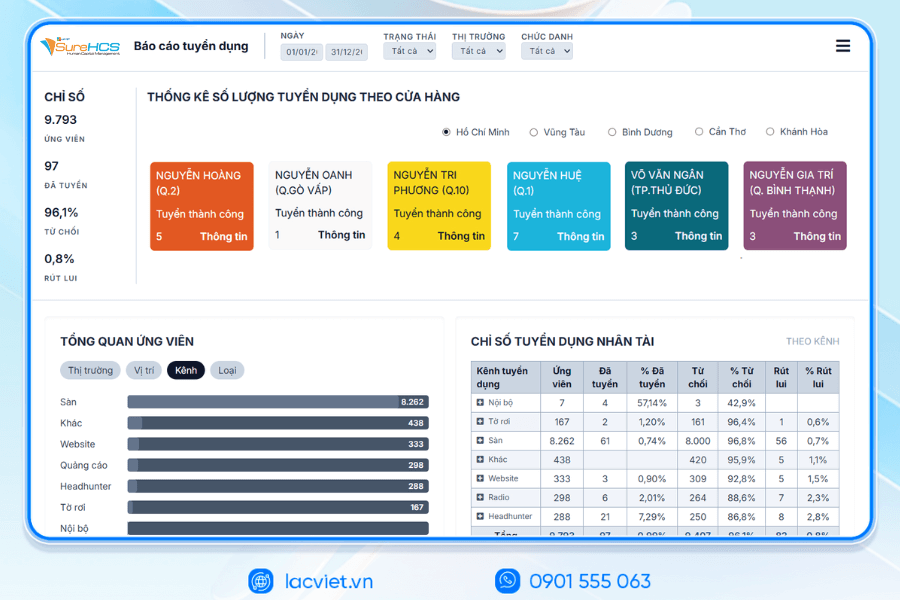
- Leaders need transparent data, track productivity in real time: Excel can't provide dashboard, report instantaneous or warnings unusual. Meanwhile, the software allows for tracking productivity, output, unit price, cost paid by organizations and by individuals.
- Businesses want to standardize processes, data security: When salary data become important assets, businesses need systems are decentralized, encrypted, hosted stain edit clear.
6. Software hr administrator – payroll comprehensive Lac Viet SureHCS
In the context of business increasingly depends on data, and requires the operating speed is high, the human resource management especially, timekeeping, and payroll has become one of the processes that have the most direct impact to operating costs and the level of satisfaction of workers. Many businesses are still using Excel to sum the output or payroll manually, lead to errors, delays, difficulty opening wide as the scale increases. This is the reason the organizations and enterprises are looking for a comprehensive solution capable of automation, standardization, ensure transparency in all aspects of payroll calculation process.
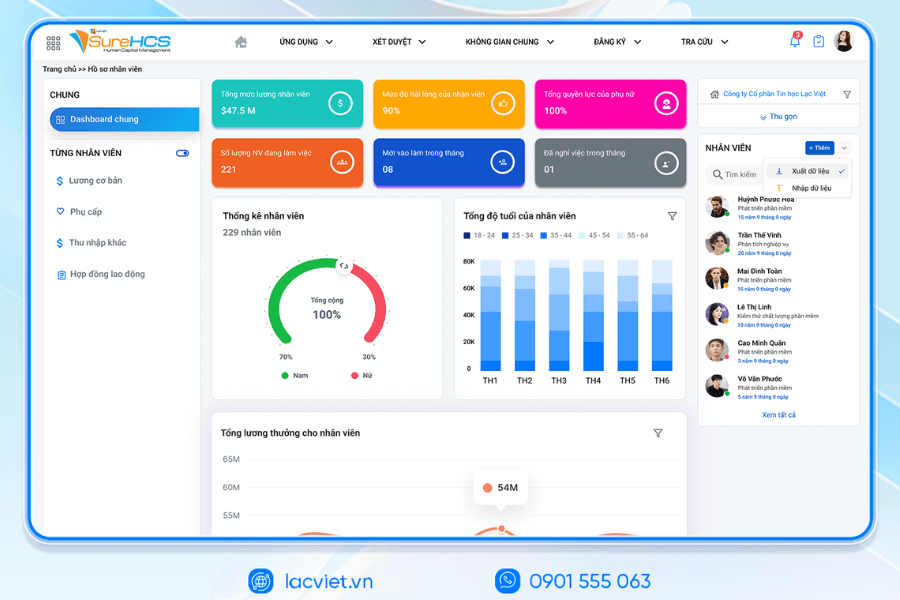
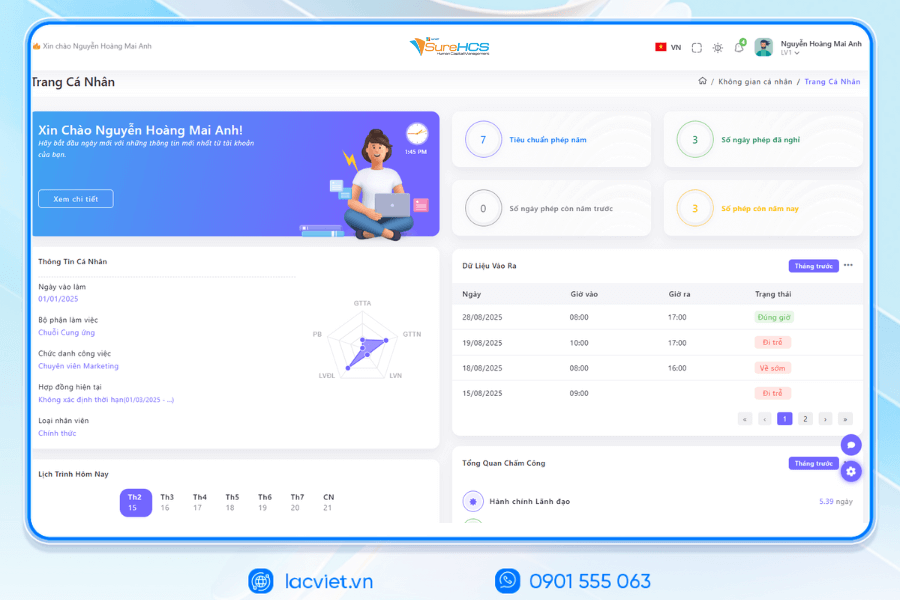
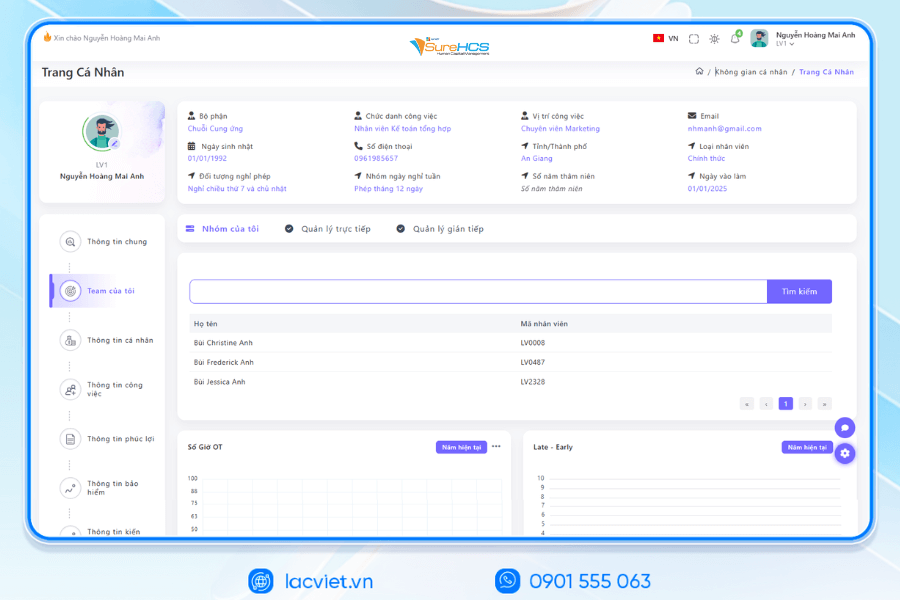
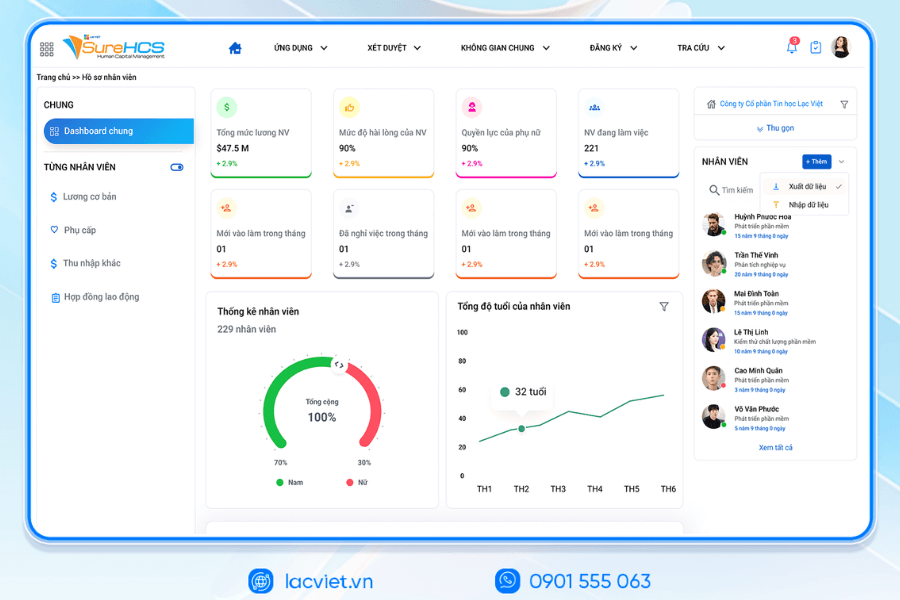
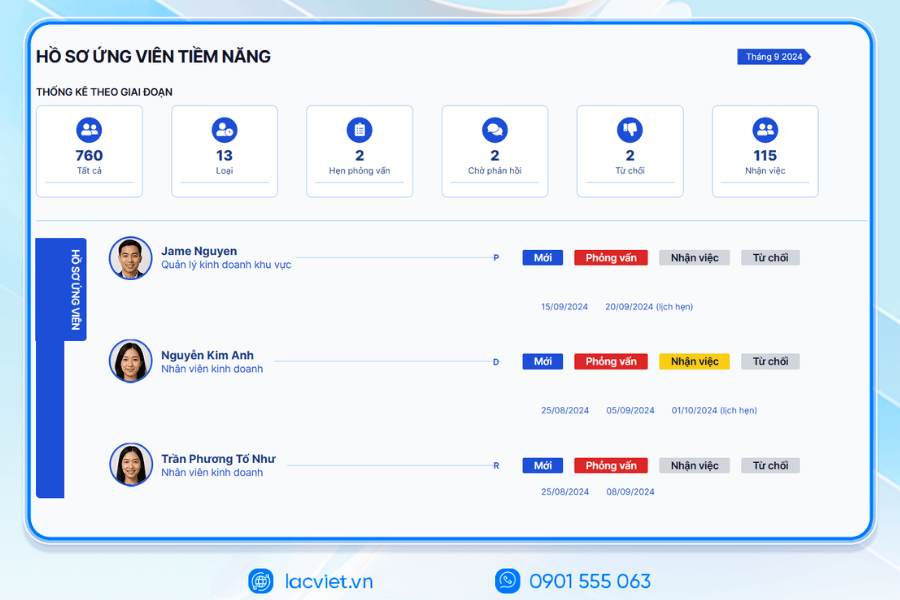
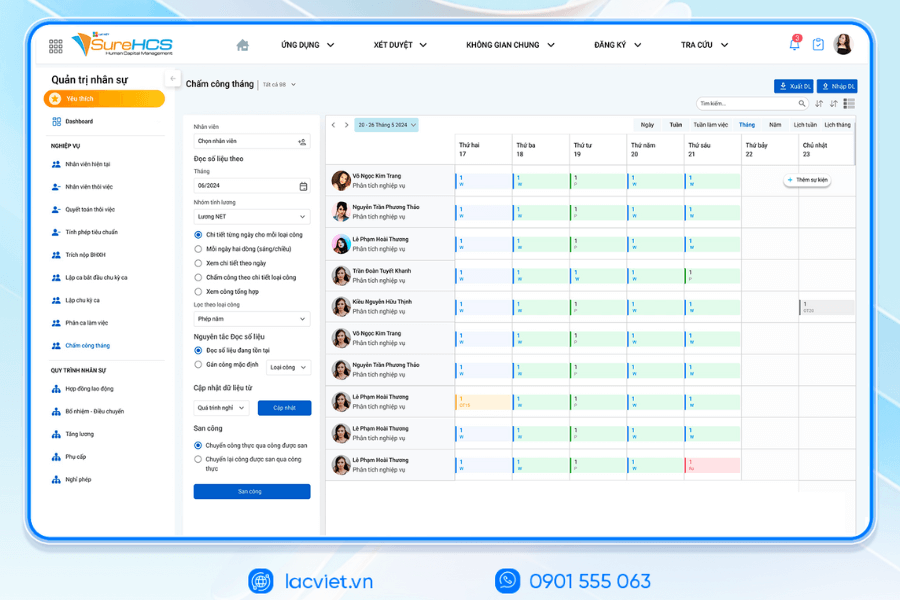
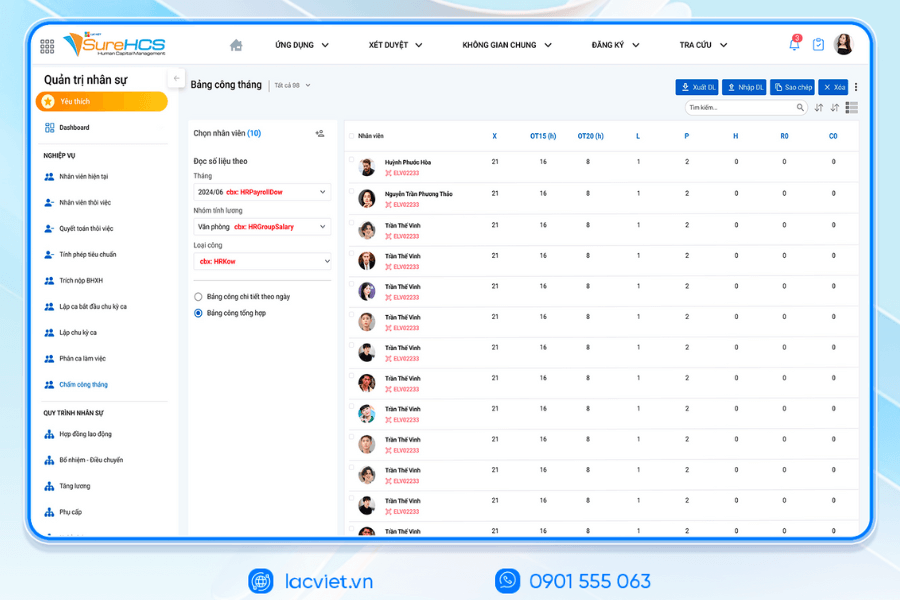
Management software, hr payroll comprehensive Lac Viet SureHCS developed with the aim to solve radical on these issues. System integrated attendance – payroll – benefits – tax – insurance in a unified platform, to help enterprises reduced to 50-70% of the time, payroll processing, at the same time increase the accuracy thanks to the ability to automatically control and test data.
- The strong point of SureHCS lies in the ability to flexibly customized according to many methods of calculating salary as salary, duration, wages, securities, salary, shift, wage according to the product, in accordance with the business manufacturing, trade, service, or retail chain.
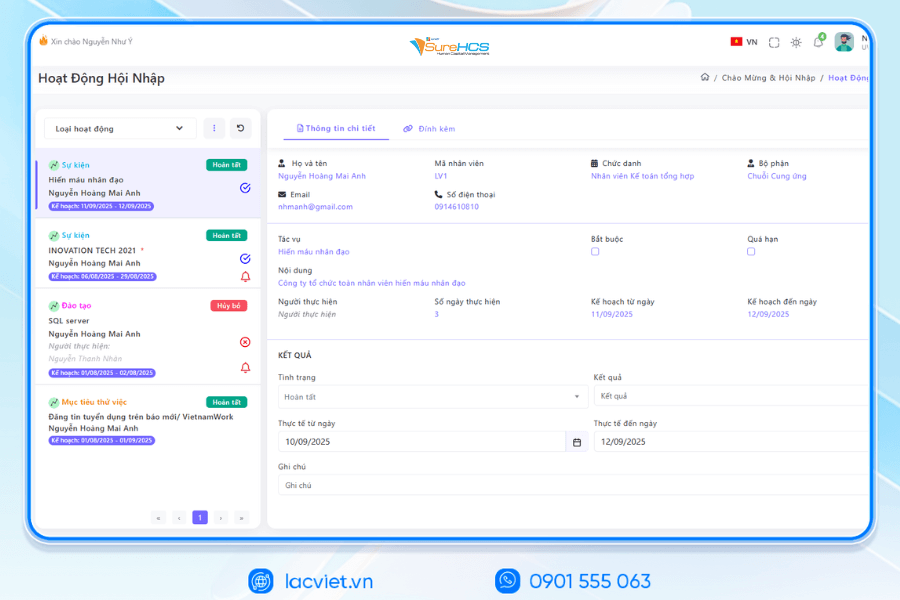
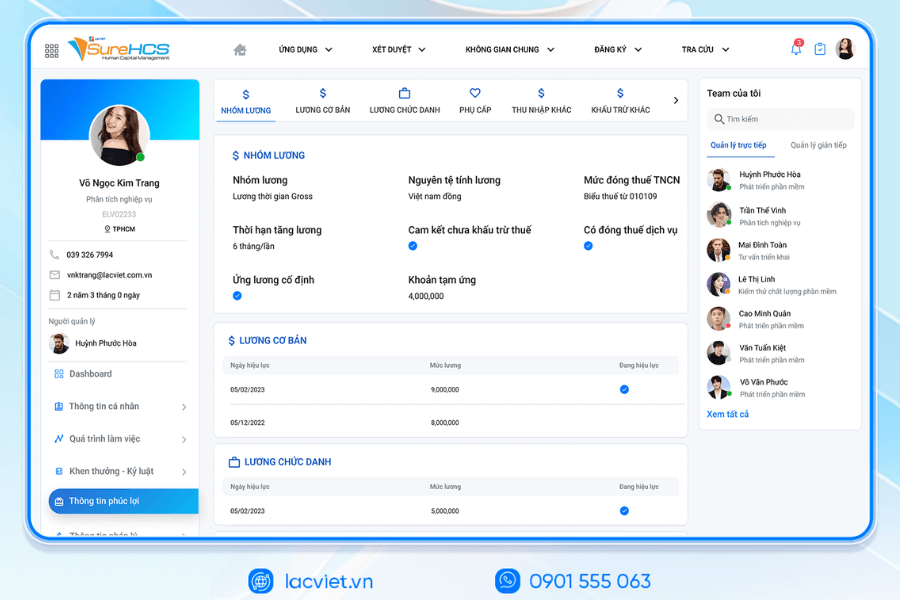
- Not only is the tool payroll, SureHCS also acts as foundation personnel administration master business support, improve governance, mitigate risk, increase experience staff throughout the working life.





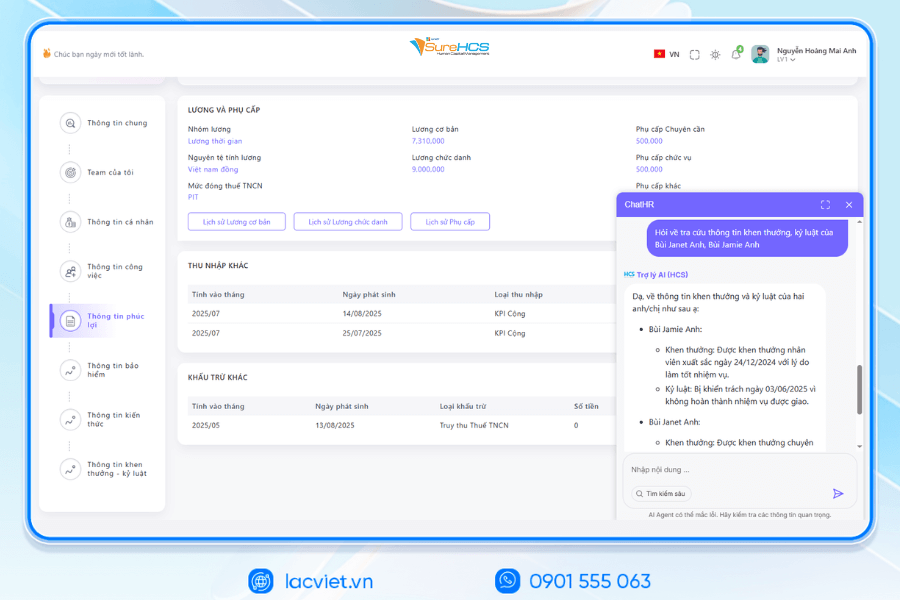
INTEGRATED AI ACCELERATED CONVERSION OF HUMAN RESOURCES MANAGEMENT
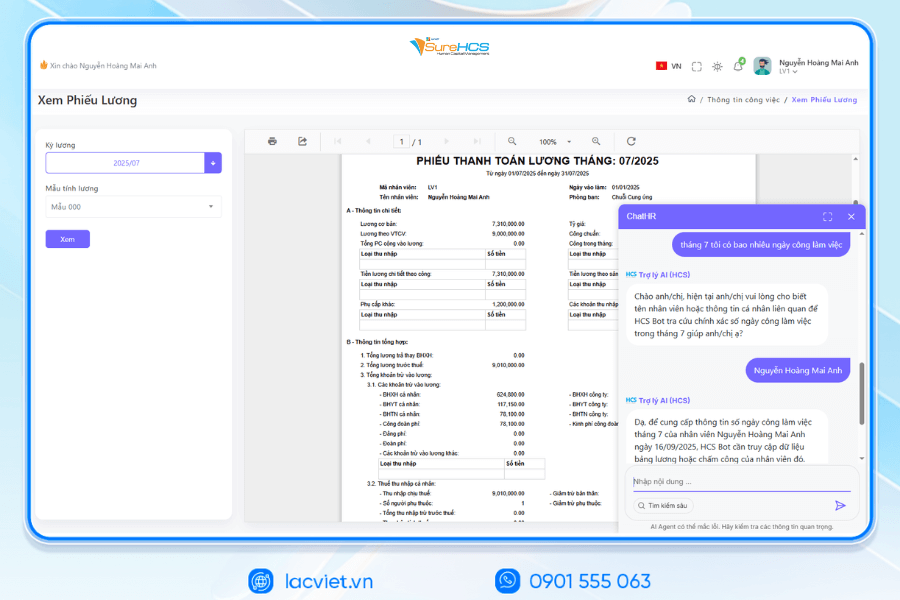
Lac Viet has officially launched The 3 AI assistant hr deeply integrated into the LV SureHCS including LV-AI.Docs, LV‑AI.Resume and LV‑AI.Help to automate the task administration, standardized data enhanced experience personnel
- LV‑AI.Docs: automatic dissection transfer data from documents such as CCCD, windows, SOCIAL insurance, by level of digital records, standardized
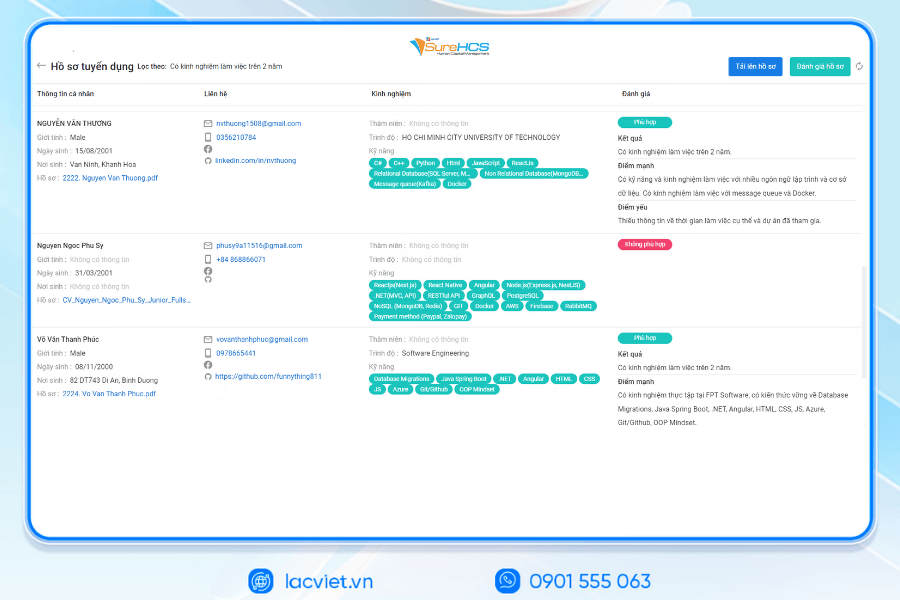
- LV‑AI.Resume: automatic dissection CV any format, analyst CV auto, construction, candidate profile, find people with the right criteria by prompt intelligent data mining candidate pool efficiency
- LV‑AI.Help: chatbot internal support, answer questions HR 24/7 access form process quick contextual user
SureHCS particularly suitable for:
- Large-scale enterprise, from 300 to 10,000 hr
- Corporations and enterprises multi-company, multi-branch
- FDI, manufacturing, factory, logistics, aviation should attendance – analysis ca – salary calculator complex
- Businesses are C&B peculiarities, need custom depth according to the actual operating
- Businesses are personnel management using Excel, many types of timekeeper, need automate the entire process
TYPICAL CUSTOMERS DEPLOYING LV SUREHCS HRM
SureHCS are trusted and used by many large enterprises and leading corporations such as: Coca-Cola, Takashimaya, Textile SuccessfulPlastic Long Thanh Phu Hung Life, Airports of Vietnam (ACV)the business belonging to the SGCthe FDI enterprises in the fields of production, logistics, trade – in service.
- Coca-Cola Vietnam: System deployment LV SureHCS to digitize comprehensive human resource management group has standardized the data, the optimal operating HR according to international model.
- Textile company Success (TCM): Application LV SureHCS to manage hr, payroll, benefits, timekeeping and capacity profile for nearly 5,000 employees across 5 areas of activity – from textiles and fashion to real estate.
- Total company air Port, Vietnam (ACV): Choose to trust LV SureHCS to operate the system large-scale personnel with over 10,000 employees, 24 subdivisions, solved the problem of complex business of modeling state-owned companies.
SIGN UP TO RECEIVE DEMO NOW
WHY BUSINESSES SHOULD CHOOSE TOUCH THE SUREHCS?
- Customized according to the actual business, no pressure mold as packaged software.
- Handle the personnel – salaries complex that many software HRM other does not respond.
- Deep understanding operated business English & FDI, ensure compliance with legal Vietnam (labour, SOCIAL insurance and personal income tax).
- Ecosystem integration strength: attendance – payroll – bank – SI – electronic contract.

See details, feature & get FREE Demo
CONTACT INFORMATION:
- Hotline: 0901 555 063
- Email: surehcs@lacviet.com.vn
- Website: https://lacviet.vn | www.surehcs.com
- Office address: 23 Nguyen Thi Huynh, Phu Nhuan, ho chi minh CITY.CITY
This is the step necessary switch to business progress to model operating modern – where all decisions are based on accurate data is executed in an automatic way, seamless.
Calculate salary according to the product, especially in industries such as garments, footwear, or production lines, requiring absolute accuracy and the ability to synthesize large data in short time. File Excel payroll according to the product can support good in the early stages but as the business expanded scale, the number of phase – shift – group passes increased, the risk of errors, data overload is difficult to avoid. This is the time for organizations and businesses are looking for information about how to calculate salary according to the product should consider choosing automation tool more powerful, to ensure processing speed, transparency, the ability to control costs as hr software lacviet SureHCS.