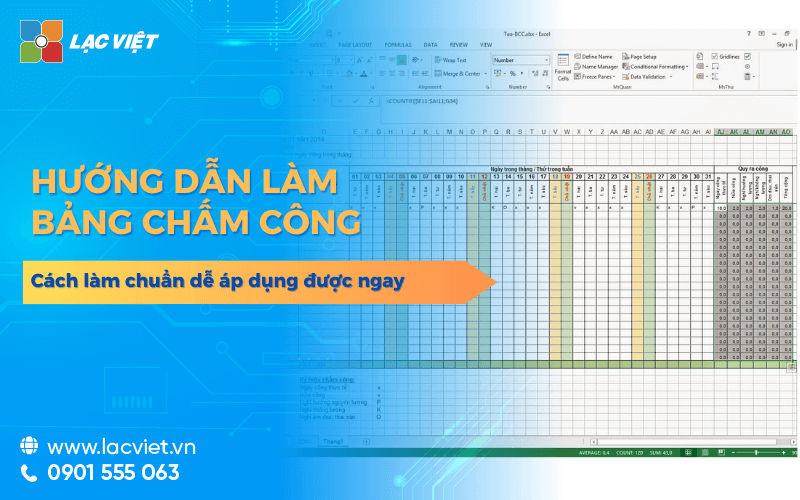

In hr management, timesheets, don't just stuff recorded hours of work of employees, but also the important basis to calculate the salary, bonus and performance ratings. A timesheet obviously, science will help the business avoid errors, save time, ensure transparency.
However, not HR also know how to do timesheets effective, especially when you need Excel application to manage data number of personnel. This article Lac Viet will guide in detail how to do timesheets and easy to make, just meet the requirements of strict management, to help businesses optimize processes timesheets – payroll.
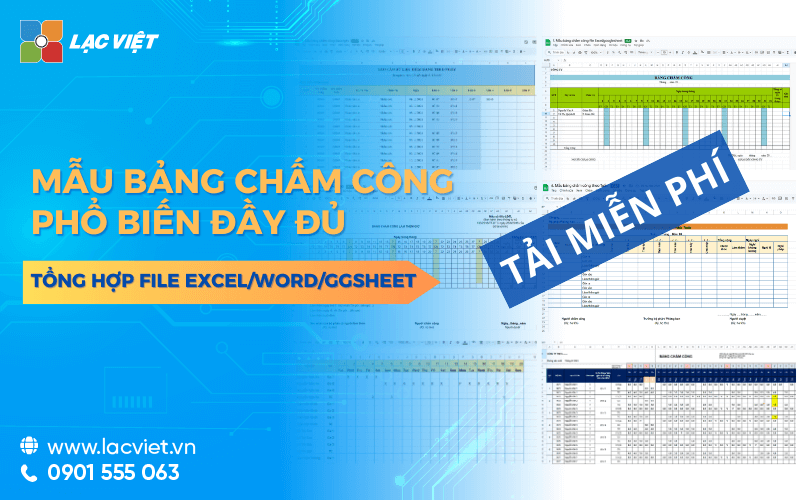
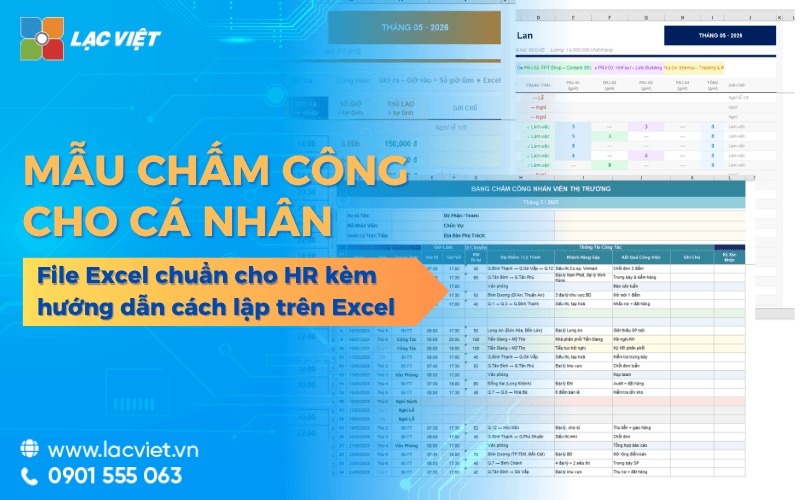
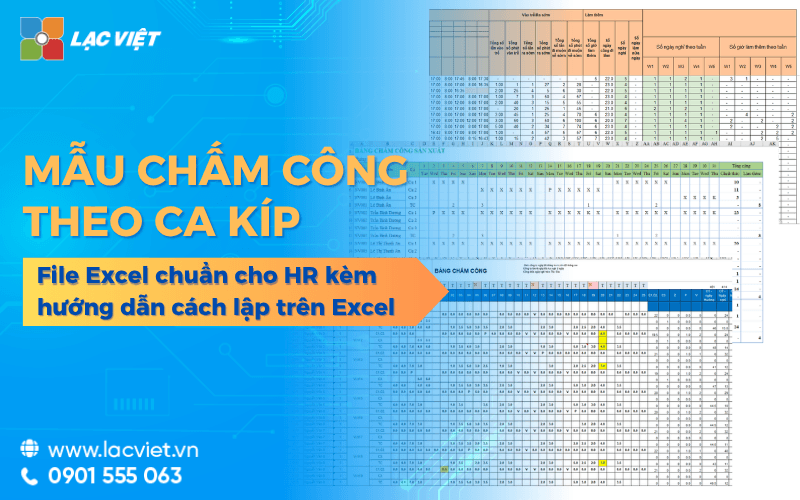
Để bắt đầu, doanh nghiệp có thể tải ngay sample timesheets chuẩn để áp dụng ngay cho phòng nhân sự, từ đó tiết kiệm thời gian, nâng cao tính minh bạch, tối ưu process personnel management.
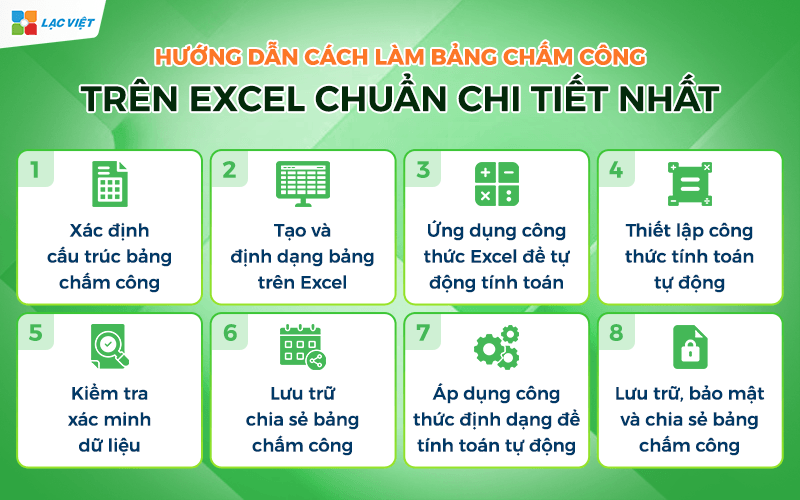
1. Quy trình tạo và quản lý bảng chấm công trên excel chuẩn chi tiết nhất
1.1. Xác định cấu trúc bảng chấm công
Before embarking on creating tables on Excel, hr departments need to define the table format will be used. Common structures include:
- Horizontal: staff list (employee code, name, department).
- Vertical columns: the day of The month (from 1 to 31), plus the column the total number of public holidays, overtime, notes.
Determining the structure clear right from the start saves time edit time limit confusion when importing data.
For example, If the company applied the recording timesheets daily shift, need additional columns morning Shift, afternoon Shift, night Shift; but if by the hour should have the column “Current on” and “Time out” for ease of calculation.
1.2. Tạo và định dạng bảng trên Excel
Open a new, enter a title, table, frame table with row/column as defined in step 1. Use features Merge & Center to gross umbrella title, format, font, bold, centered, help table easier to read.
Some notes to timesheet more professional:
- Use Conditional Formatting to automatically color the car has group marks the holiday (P – holiday lets, L – holidays, KL – leave without pay).
- Đóng khung toàn bộ bảng, cố định hàng tiêu đề để khi cuộn xuống vẫn thấy tên cột.
- Apply Data Validation to restrict entered the wrong sign timekeeping. For example: only allow to enter P, L, KL, or number of hours.
1.3. Ứng dụng công thức Excel để tự động tính toán
After having tables, important step is to set up the formula to Excel automatically calculates the total the number of hours to add or subtract holidays. A number of formula is often used:
- COUNTIF: Counts the number of days or vacation days, according to the sign. For example: =COUNTIF(B2:AF2,”P”) to count the number of vacation days.
- SUM: Calculates the total number of hours if you go by the hour.
- IF combined with VLOOKUP: identifying and classifying according to the rules of the company (for example, if overtime, holidays, generation of the 3 fold).
This helps to significantly reduce the computational time last month.
1.4. Thiết lập công thức tính toán tự động
After you have a frame table and attendance data, the next step is to apply the formula to Excel auto calculation. For example:
- Calculates the number of days the reality: Use the function COUNTIF or SUMPRODUCT to count number of cells with the symbol of work (for example “X”) in January.
- Calculate overtime hours: Use the function SUM or IF combined to hours beyond the specified time.
- Calculate the overall conversion: With the ca to do a special (night shifts, holidays), apply the multiplier under the provisions of the business.
The set recipe not only save time but also reduce the risk of errors.
1.5. Kiểm tra xác minh dữ liệu
Before using timesheets to payroll, the need for reference data to ensure accuracy. A number of steps to check often used:
- Compare attendance data with reports from the timekeeper or the application time management.
- Reviewing the special symbols such as vacation, sick leave, overtime, etc. to ensure have been recorded properly.
- Check the joints between the total number of days the number of days in months, avoid or network data.
This step is important because just a minor deviations in attendance can lead to labor disputes or affect the prestigious hr department.
1.6. Lưu trữ chia sẻ bảng chấm công
After finishing, timesheets need to be stored science and security. Can save the file according to the structure: Year → Month → parts.
- Data security: Use the feature to set a password for Excel file, or stored on the internal system has access rights division.
- Share flexibility: If you need to send for the leader or the related parts, can export to PDF to avoid editing unintended.
According to SHRM (society for Human resource Management United States), the storage data timekeeping a minimum of 3 years is required to serve for projectors, report, or internal audit.
1.7. Áp dụng công thức định dạng để tính toán tự động
After entering attendance data initially, this is when you set up the formula and format to timesheets becomes “smarter” than. For example, you can use COUNTIF to count the number of days to work full or SUM to calculate the total number of overtime hours. To calculate salary or allowances based on the industry, and can combine VLOOKUP or INDEX-MATCH to retrieve the unit price from a reference table.
Applying the formula not only helps save time but also reduce up to 90% risk of errors compared with the data entry manually, according to statistics from Microsoft about the effect of automation in Excel.
Besides, conditional formatting (Conditional Formatting) will helps you easily recognize holidays, public, teen or input errors. This is especially useful when managing a number of personnel, to avoid the omission of information.
1.8. Lưu trữ, bảo mật và chia sẻ bảng chấm công
After the sheet was complete, businesses need to have a strategy, storage, and data security. Please name the file according to the conventions clearly (for example: “Bang_cham_cong_T7_2025.xlsx”), save in folder general manager or on the platform cloud storage such as OneDrive, Google Drive.
The access rights are also very important: employees should only be viewing the data of his division, while hr or accounting has the right to edit in order to ensure transparency, but still protecting sensitive information about wages.
In addition, enterprises should set up backup schedules periodically to avoid data loss due to system error or unplanned incidents.
2. Hướng dẫn cách làm bảng chấm công trên excel chuẩn chi tiết nhất
Dưới đây là hướng dẫn chi tiết cách tạo một bảng chấm công tự động cập nhật ngày và thứ trong Excel:
Bước 1. Thiết lập cơ bản và tạo cột thông tin
- Định dạng: Chọn toàn bộ bảng để chuyển phông chữ về Times New Roman, kích thước thường dùng là 12.
- Thông tin chung: Tạo ô để nhập Tháng/Năm (ví dụ: Tháng 03 năm 2023 tại các ô G3 và I3).
- Cột nhân sự: Nhập các thông tin cơ bản như Số thứ tự, Mã nhân viên, Tên nhân viên, Chức vụ, Phòng ban.
Bước 2. Tạo ngày và thứ tự động
- Tạo ngày bắt đầu: Tại ô ngày đầu tiên, sử dụng hàm =DATE(năm, tháng, 1). Ví dụ: = DATE(I3, G3, 1). Sau đó, nhấn Ctrl + 1, chọn Custom và gõ “DD” để ô chỉ hiển thị số ngày.
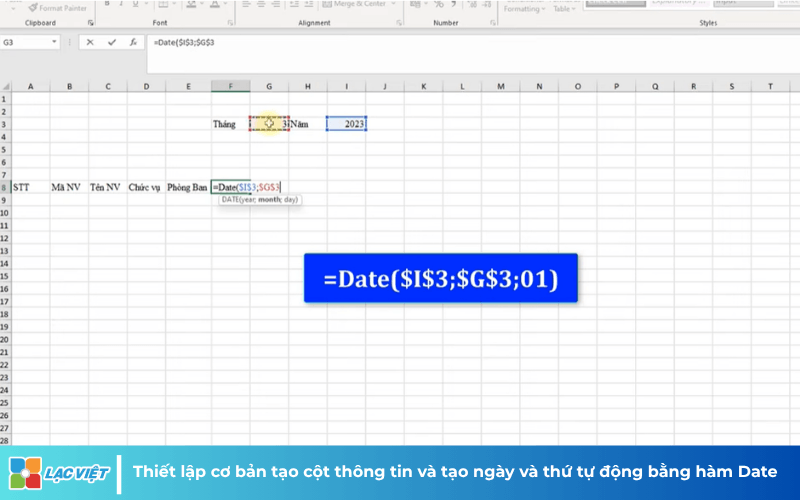
- Tịnh tiến ngày: Ô tiếp theo sẽ dùng công thức bằng ô trước cộng thêm 1 (ví dụ: =F8+1) và kéo đến hết ngày 31.
- Xử lý các tháng không có ngày 31: Để ẩn các ngày thừa của tháng trước (ví dụ tháng 2 chỉ có 28 ngày), bạn cần kết hợp hàm IF và MONTH để kiểm tra xem ngày đó có thuộc tháng đang chọn hay không. Nếu không, trả về giá trị trắng.
- Tạo thứ: Sử dụng hàm WEEKDAY kết hợp với IF để hiển thị “CN” cho Chủ nhật và “T2” đến “T7” cho các thứ khác. Công thức mẫu: =IF(WEEKDAY(ô_ngày)=1, “CN”, “T” & WEEKDAY(ô_ngày)).
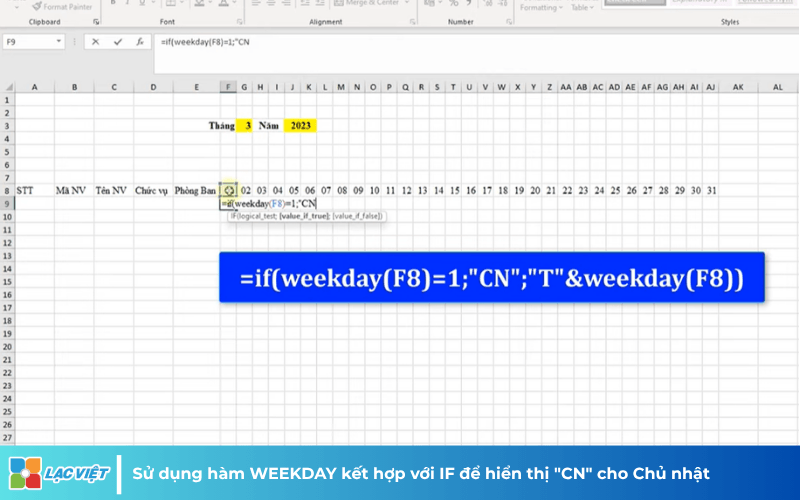
Bước 3. Tự động tô màu Thứ Bảy, Chủ Nhật
Để dễ quan sát, bạn sử dụng Conditional Formatting:
- Chủ nhật: Chọn vùng dữ liệu, vào Home -> Conditional Formatting -> New Rule. Sử dụng công thức =WEEKDAY(ô_ngày)=1 và chọn màu định dạng (ví dụ màu cam).
- Thứ Bảy: Làm tương tự với công thức =WEEKDAY(ô_ngày)=7 và chọn màu khác (ví dụ màu xanh).
- Khi bạn thay đổi tháng/năm, các cột màu này sẽ tự động di chuyển theo đúng thứ thực tế.
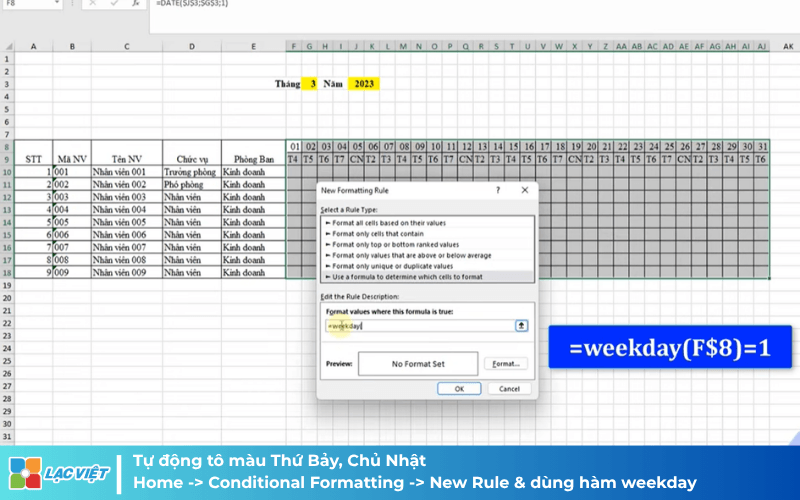
Bước 4. Thiết lập quy tắc và kiểm soát nhập liệu
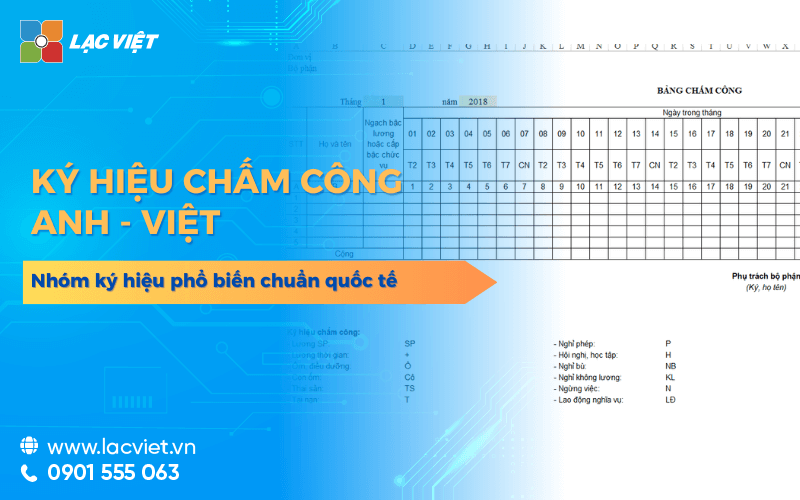
- Quy tắc chấm công: Quy định các ký hiệu như X (đi làm cả ngày), X/2 (nửa ngày), P (nghỉ phép), O (nghỉ ốm), KL (nghỉ không lương).
- Data Validation: Để tránh nhập sai, chọn vùng chấm công, vào thẻ Data -> Data Validation. Tại mục Allow, chọn List và chọn danh sách các ký hiệu quy tắc đã tạo. Việc này giúp bạn chỉ được chọn các ký hiệu có sẵn từ danh sách thả xuống.
Bước 5. Công thức tính tổng ngày công
Sử dụng hàm COUNTIF để thống kê:
- Tổng ngày công: =COUNTIF(vùng_chấm_công, “X”) + COUNTIF(vùng_chấm_công, “X/2”)/2.
- Nghỉ phép/ốm: Tương tự, dùng =COUNTIF(vùng_chấm_công, “P”) cho ngày phép và =COUNTIF(vùng_chấm_công, “O”) cho nghỉ ốm.
- Tổng cộng cuối cùng: Dùng hàm SUM để cộng tất cả các cột chỉ tiêu lại.
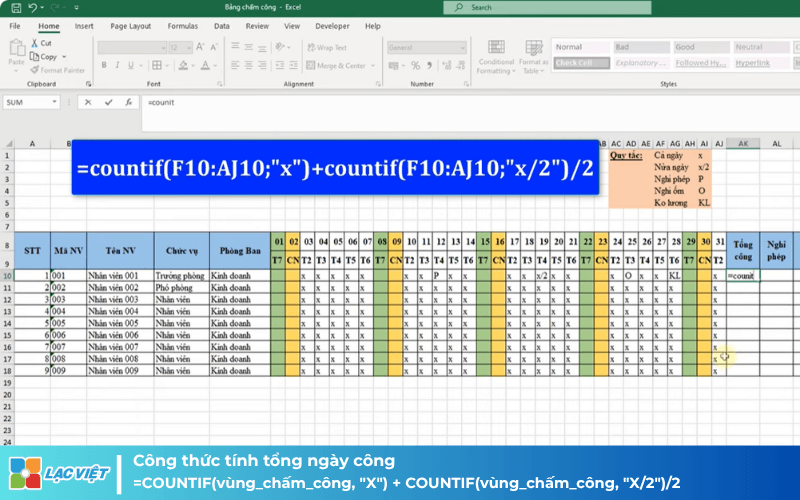
Cuối cùng, bạn hãy căn chỉnh lại tiêu đề công ty, phòng ban và đóng khung bảng biểu để hoàn thiện một bảng chấm công chuyên nghiệp
3. Tham khảo mẫu bảng chấm công file excel chuyên nghiệp cho doanh nghiệp
Để việc quản lý nhân sự trở nên đơn giản chính xác, doanh nghiệp nên áp dụng mẫu bảng chấm công chuẩn. Những mẫu bảng này đã được thiết kế để phù hợp với nhiều hình thức làm việc, dễ dàng sử dụng giúp phòng nhân sự tiết kiệm thời gian giảm sai sót.
The template timesheet popular
- Timesheet shift: Record the time in and time out for each work shift, in accordance with business there are many different shifts during the day.
- Timesheet hourly: suitable for employees to work flexible hours exactly every minute.
- Timesheet overtime: Recorded overtime hours, official service, payroll, bonus, OT.
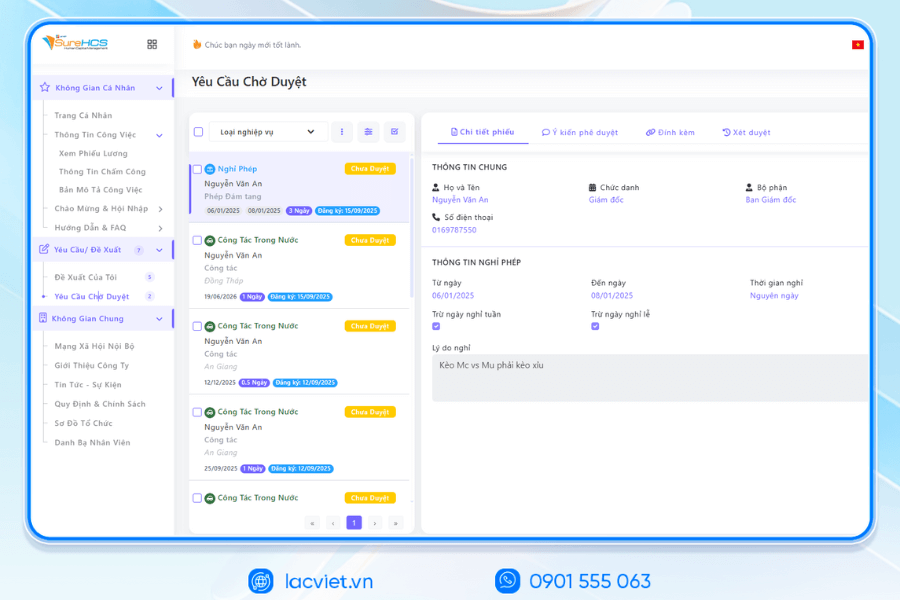
- Timesheets vacation: track vacation days, sick leave, holidays of staff, ensure transparency, compliance with labor laws.
Download full the type of timesheet popular in business at articles “ 10+ Mẫu bảng chấm công file excel/word miễn phí dễ dùng”
4. Lưu ý khi thiết kế làm bảng chấm công trên excel
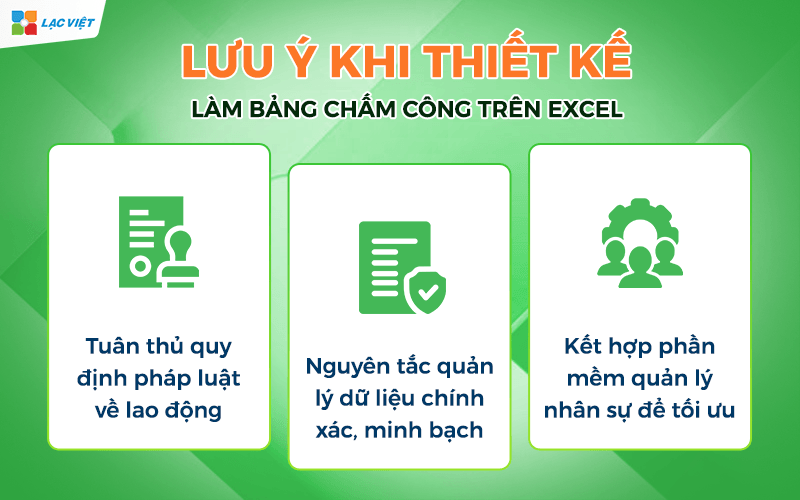
4.1 Tuân thủ quy định pháp luật về lao động
When designing timesheets, businesses need to ensure all the information is recorded in accordance with The Labor code of Vietnam 2019. This includes: standard office hours, overtime hours, vacation days, holidays, the rights of workers.
For example, according to the law, an employee is not working more than 48 hours/week in terms of normal and overtime hours must be recorded specific to payroll in accordance with the regulations. This compliance helps businesses avoid the risk of legal disputes about wages, welfare, and build environments work transparently, fair.
4.2 Nguyên tắc quản lý dữ liệu chính xác, minh bạch
Attendance data is the foundation to calculate salaries, bonuses, reviews the work efficiency. So, businesses need to adhere to the principle:
- Cross-check information: Verify hours in/out, overtime and leave to each employee.
- Limit fraud: Use of control measures, for example, electronic signature, fingerprint time attendance or QR code.
- Storage security: attendance Data need to be stored systematically, easy to access when you need security as prescribed.
4.3 Kết hợp phần mềm quản lý nhân sự để tối ưu
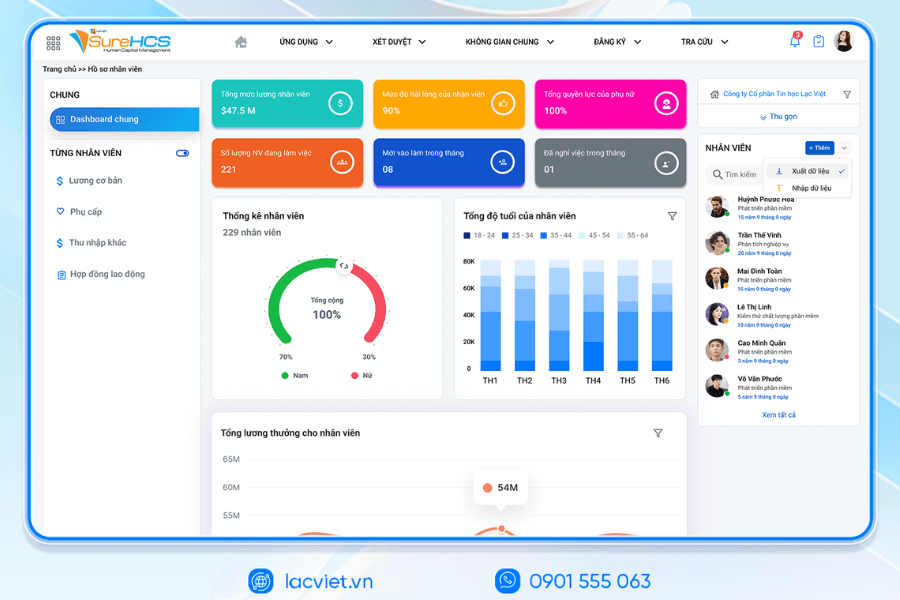
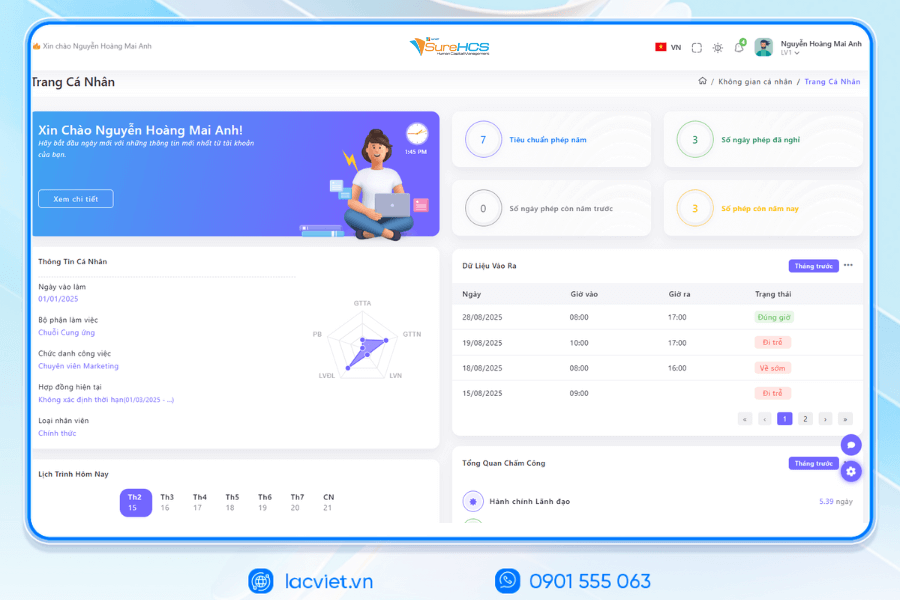
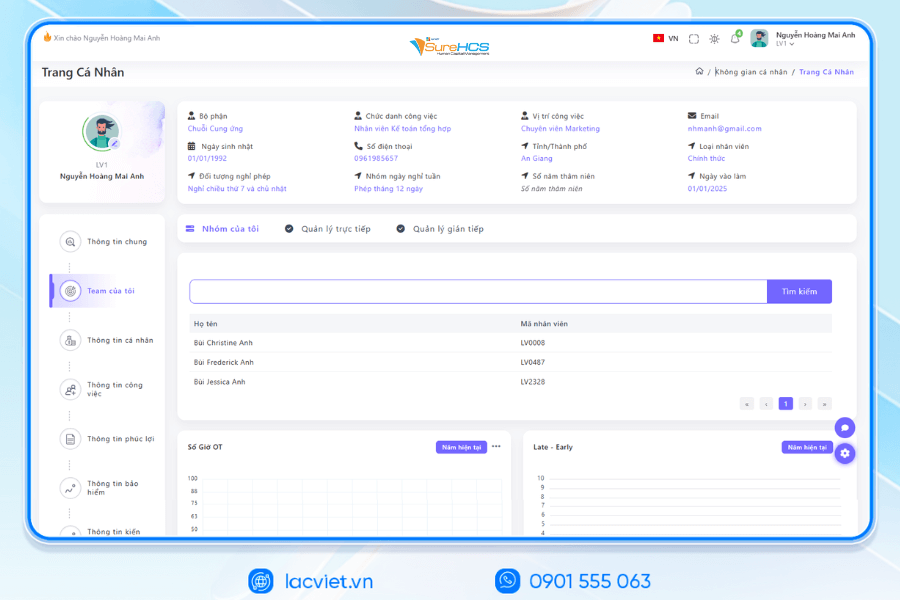
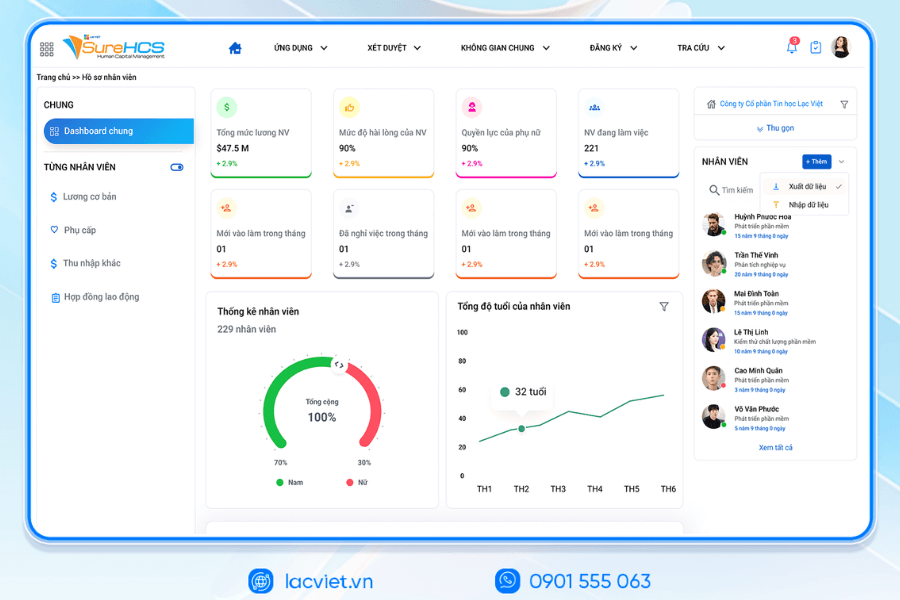
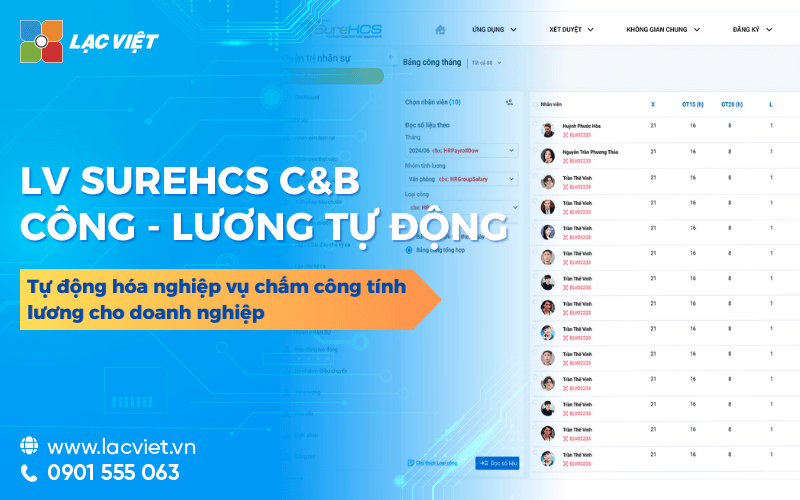
The use of software personnel management as LV SureHCS bring more practical benefits for business:
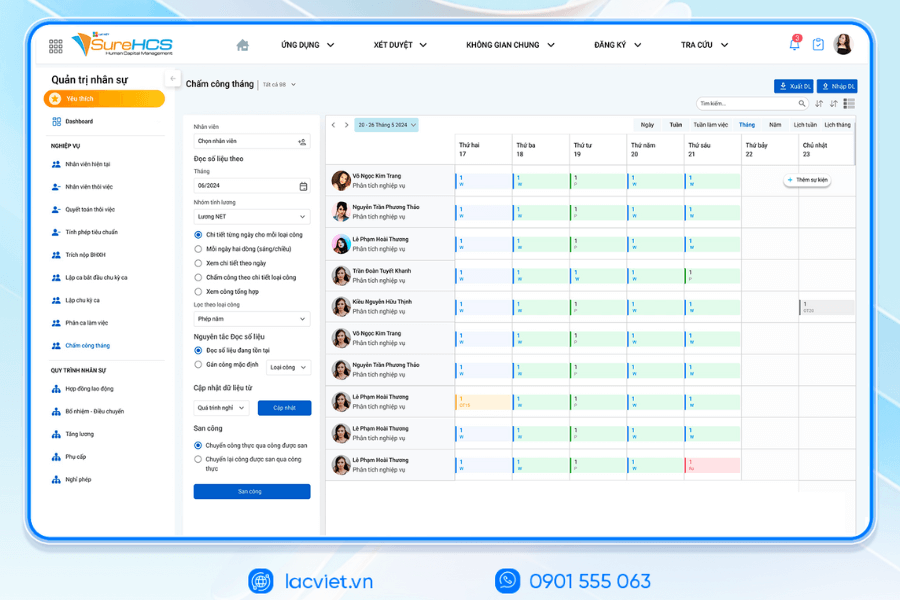
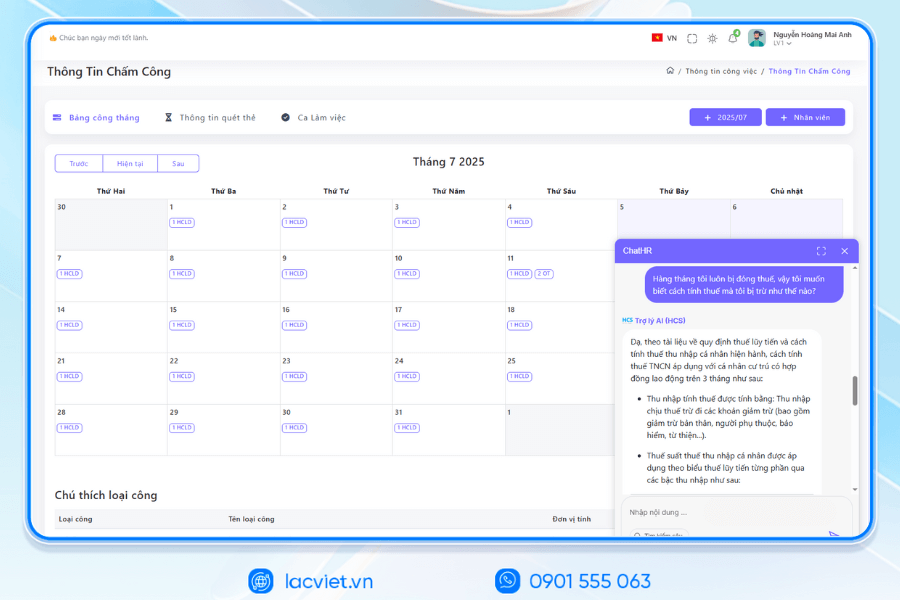
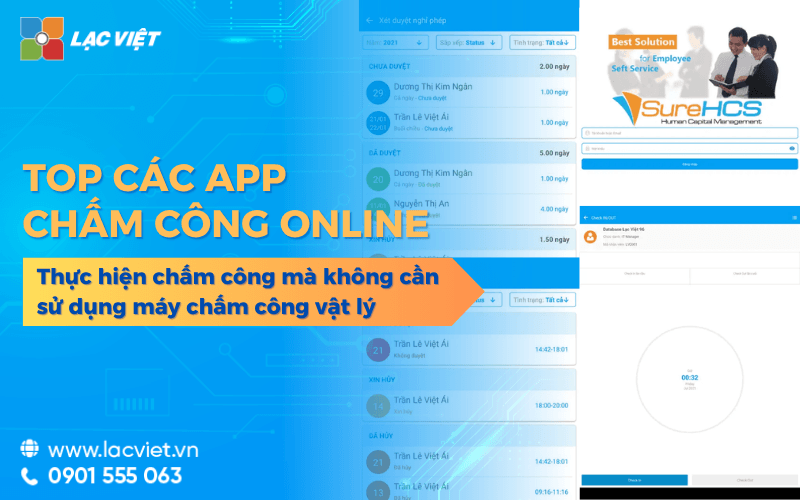
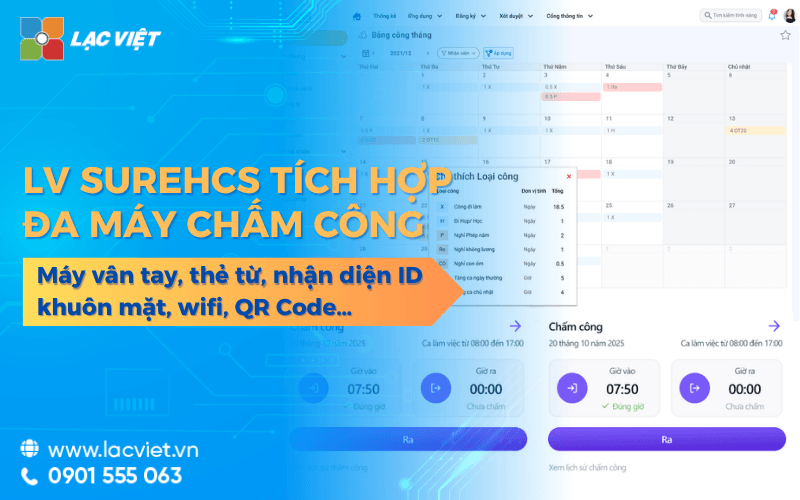
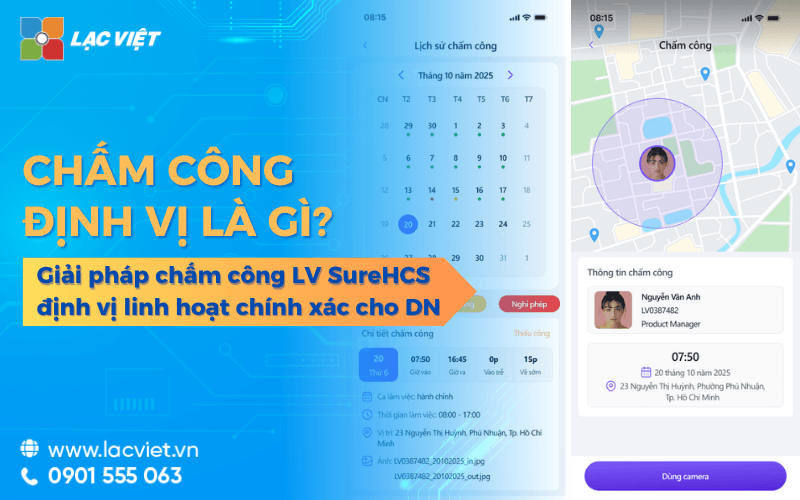
- Automated attendance: Employees can timekeeping in many forms: fingerprint, QR code, mobile app help recorded work hours accurately.
- Salary calculator fast accurate: The system automatically aggregate data from timesheets to payroll, minimize errors compared to calculate on Excel.
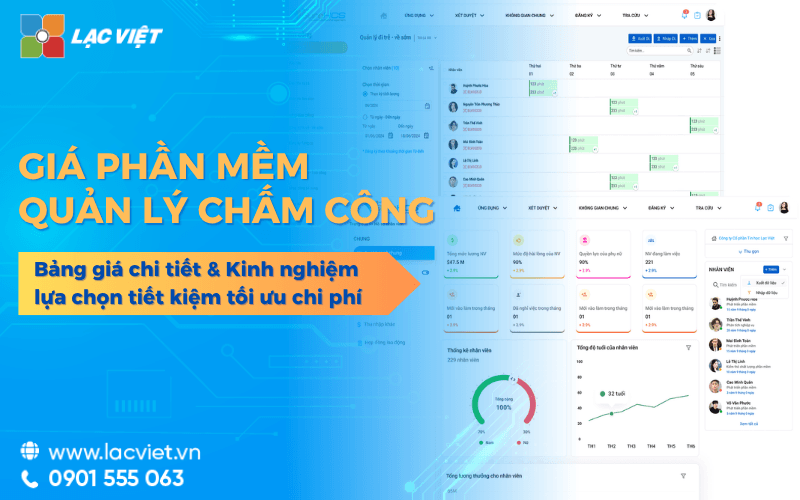
- Analysis report: report aggregated by department, staff, shift; support management decision-making efficiency.
Actual value:
- Save 30-50% of the time compared to traditional methods.
- Ensure transparency, compliance with labor laws.
- Help hr focus on the strategic mission over.
5. Ứng dụng phần mềm nhân sự LV SureHCS để tối ưu quản lý chấm công nhân sự
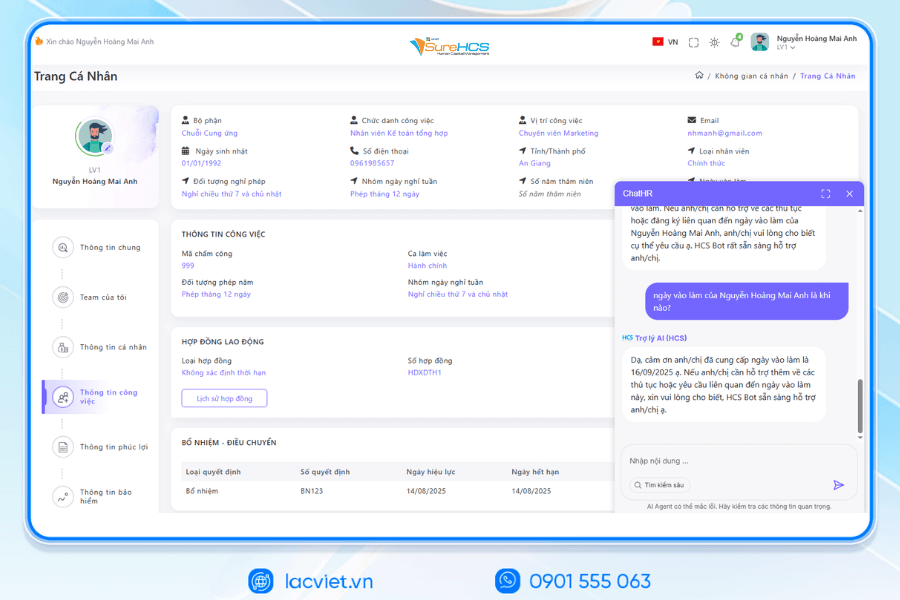
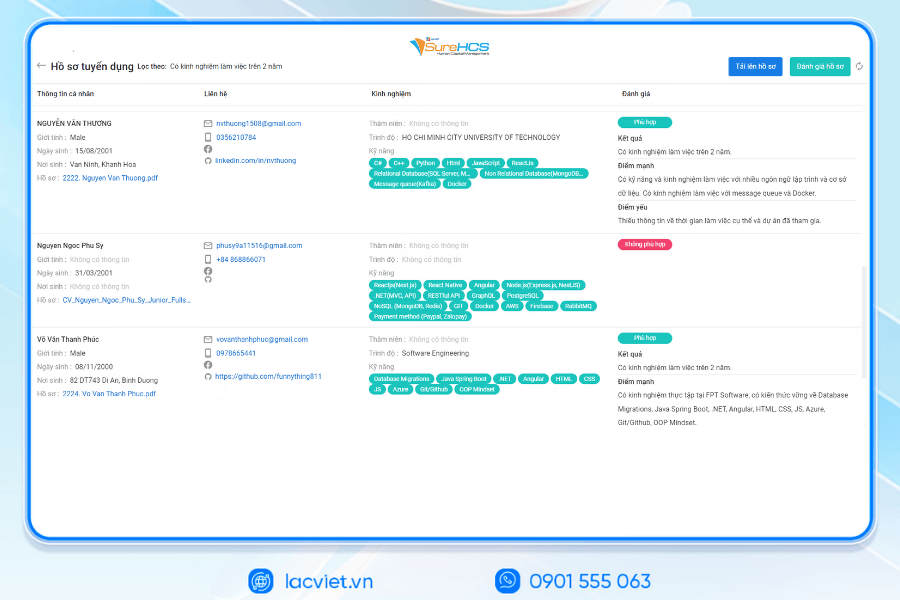
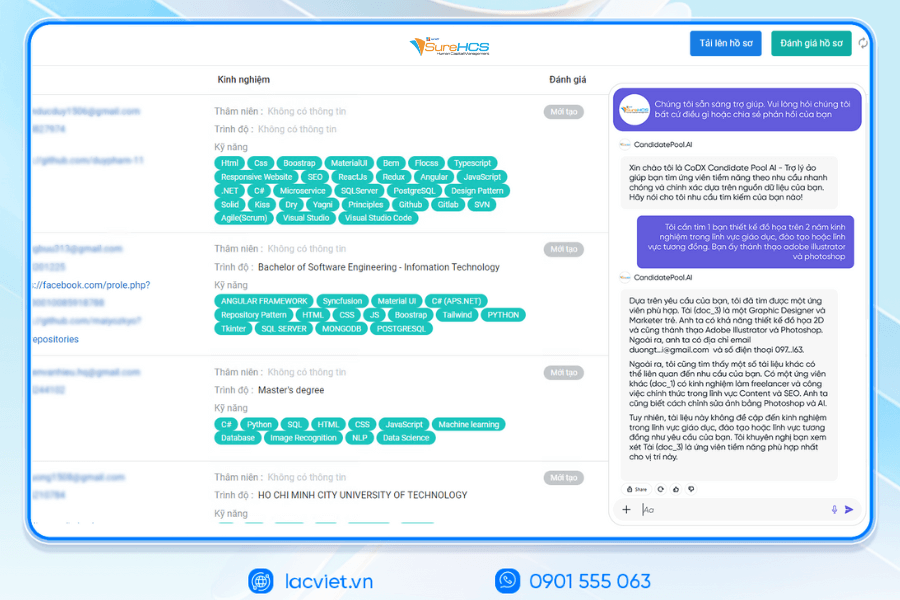
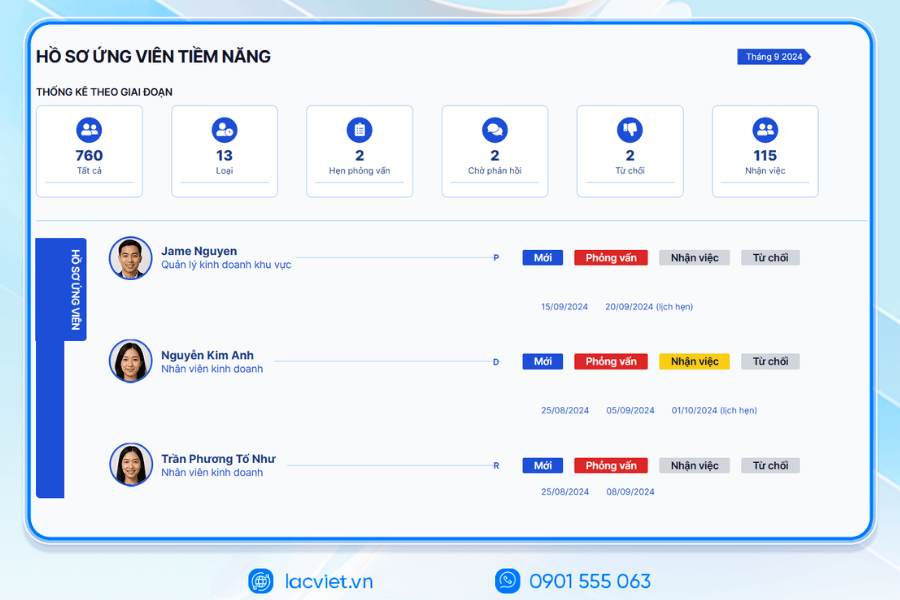
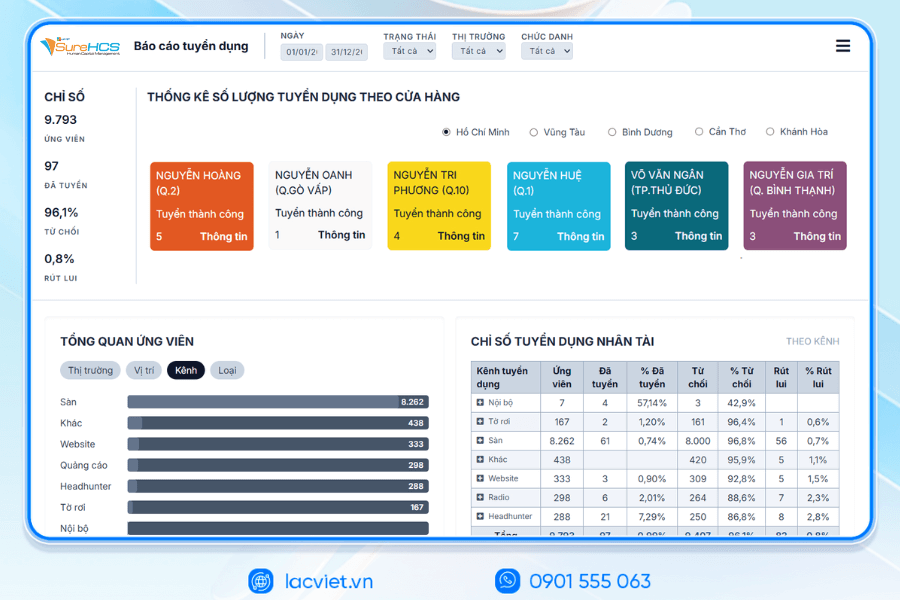
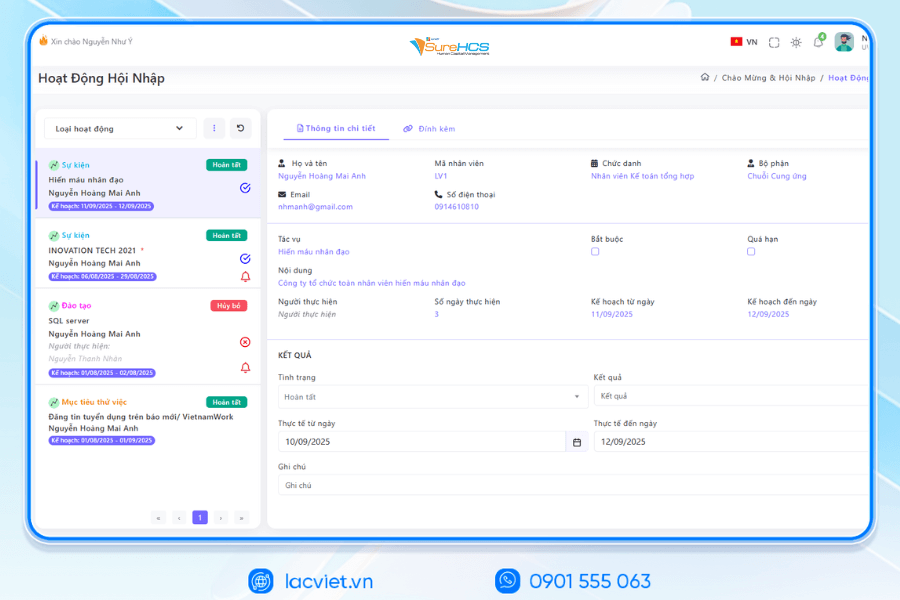
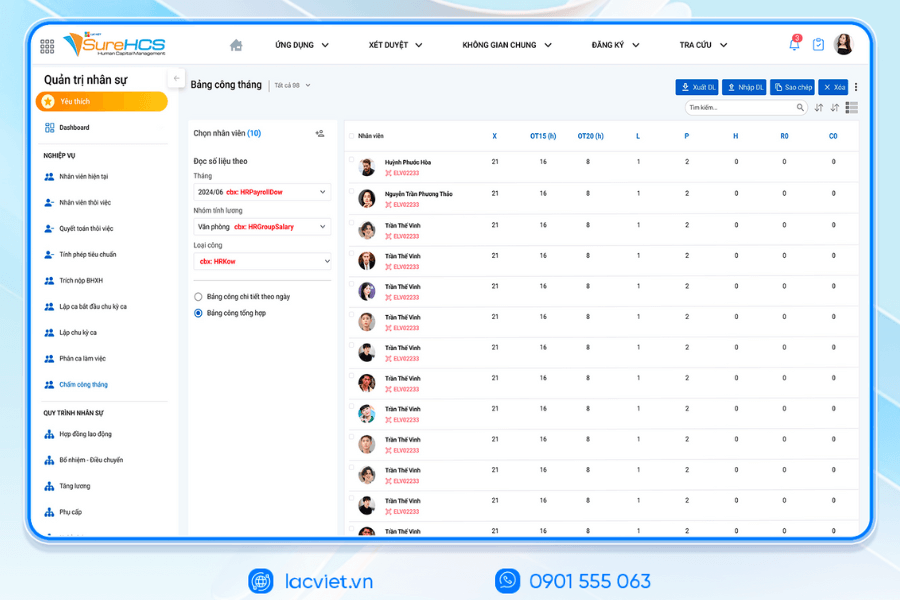
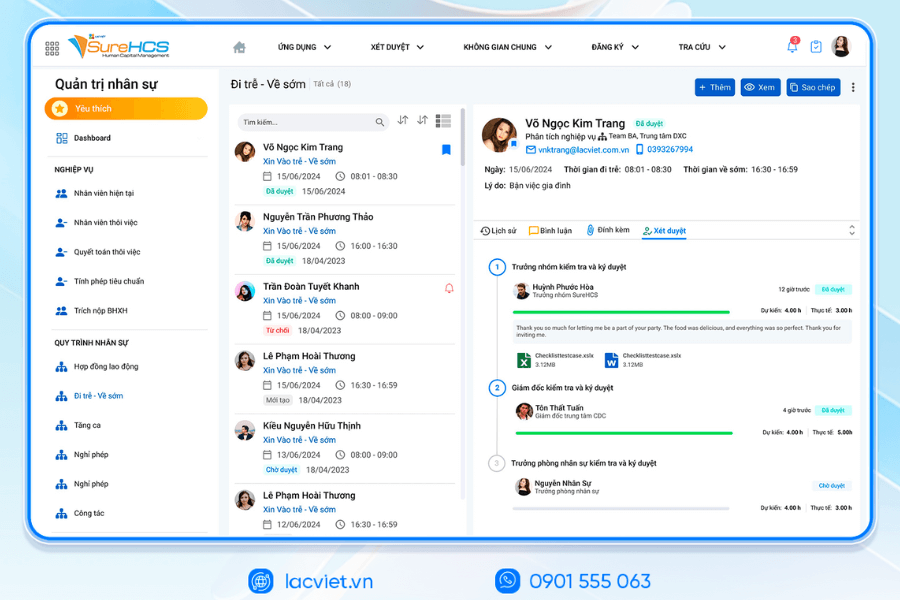
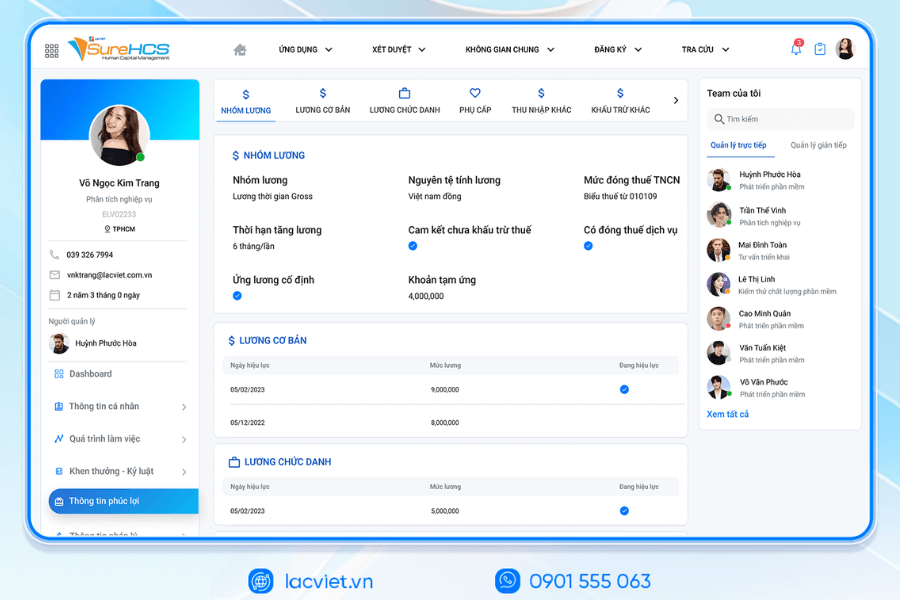
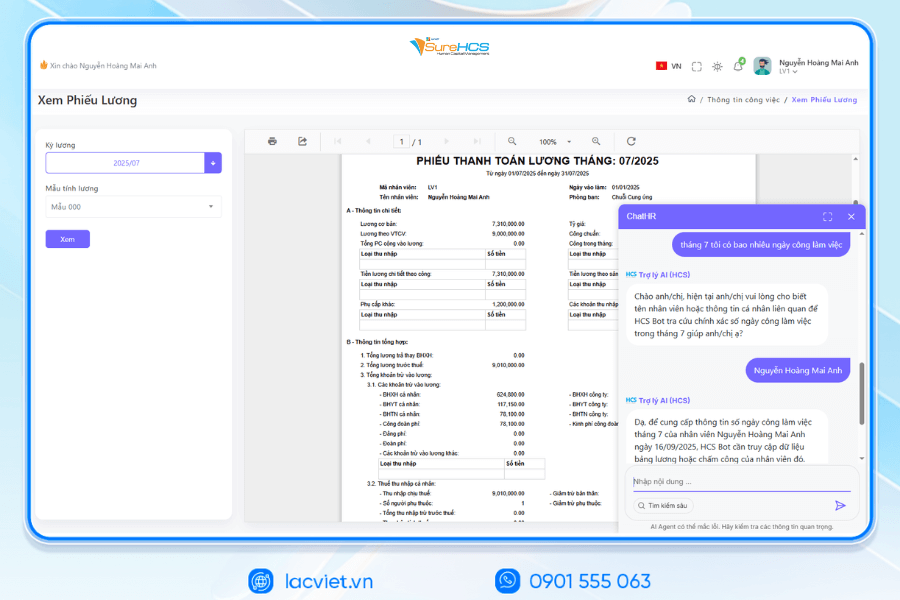
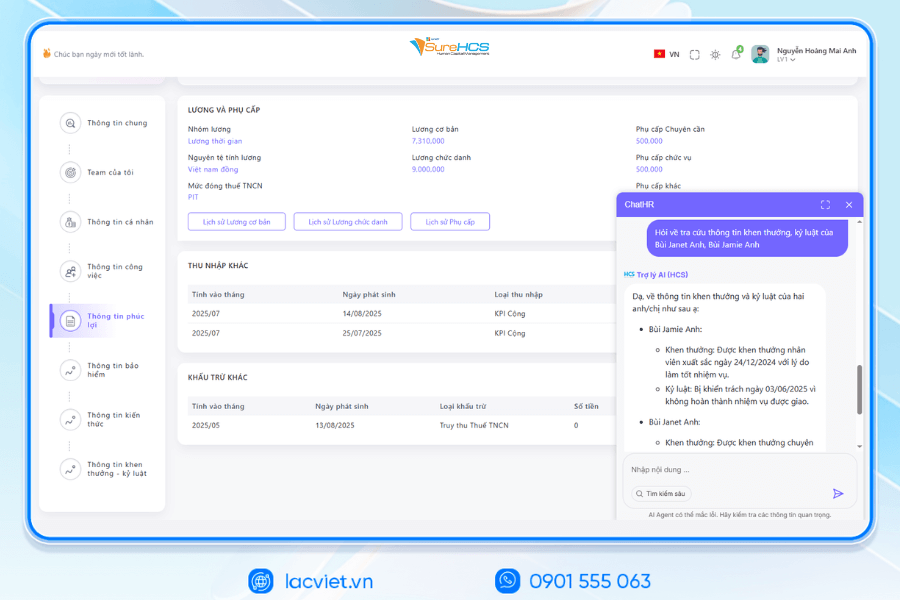
To manage timesheets in a professional, accurate, saving time, many businesses have chosen LV SureHCS – solution management, the comprehensive. Subsystem attendance software of SureHCS not only support creating and storing timesheets in many forms (according to the ca, hourly, overtime, vacation) but also automatically aggregated data, calculate the production report quickly.
Benefits when using Lac Viet SureHCS HRM:
- Automated attendance: Employees can go through many forms such as fingerprint, QR code, mobile app help reduce errors compared to recorded or Excel.
- Integrated payroll smart: Data from timesheets is automatic system synthesis, support wages, bonuses, overtime, reduced by 40-50% processor time compared to traditional methods.
- Report effectiveness analysis: software export aggregated reports by employee, department or work shifts, helping managers make decisions, hr accurate.
- Minh bạch tuân thủ pháp luật: Mọi dữ liệu được lưu trữ an toàn, dễ kiểm tra đảm bảo tuân thủ các quy định về lao động, bảo hiểm.
WHY BUSINESSES SHOULD CHOOSE TOUCH THE SUREHCS?
- Customized according to the actual business, no pressure mold as packaged software.
- Handle the personnel – salaries complex that many software HRM other does not respond.
- Deep understanding operated business English & FDI, ensure compliance with legal Vietnam (labour, SOCIAL insurance and personal income tax).
- Ecosystem integration strength: attendance – payroll – bank – SI – electronic contract.

See details, feature & get FREE Demo
CONTACT INFORMATION
- Hotline/Zalo: 0901 555 063
- Email: surehcs@lacviet.com.vn
- Website: https://lacviet.vn | www.surehcs.com
- Office address: 23 Nguyen Thi Huynh, Phu Nhuan, ho chi minh CITY.CITY
Get free demo Lac Viet SureHCS ngay để bắt đầu quản lý bảng chấm công hiệu quả minh bạch, tiết kiệm thời gian.
Mastering how to make timesheet not only help the hr department reduced pressure processed data, monthly data, but also bring long-term benefits for the business and staff management and cost. When combined timesheets standard with tools such as Excel or human resource management softwarebusinesses will be more active in control hours, limit errors increase transparency in pay. If the business wants to upgrade from timesheets manual to automation solutions, the application management software, attendance – payroll will be step strategies to help save you 30-50% on the processing time, improve operational efficiency.

















![Mẫu bảng chấm công theo giờ excel chuẩn [Tải dùng được ngay]](https://lacviet.vn/wp-content/uploads/2025/09/bang-cham-cong-theo-gio.png)




![Cách ghi bảng chấm công hàng ngày chuẩn xác [Tải mẫu miễn phí]](https://lacviet.vn/wp-content/uploads/2025/09/cach-ghi-bang-cham-cong-hang-ngay.png)